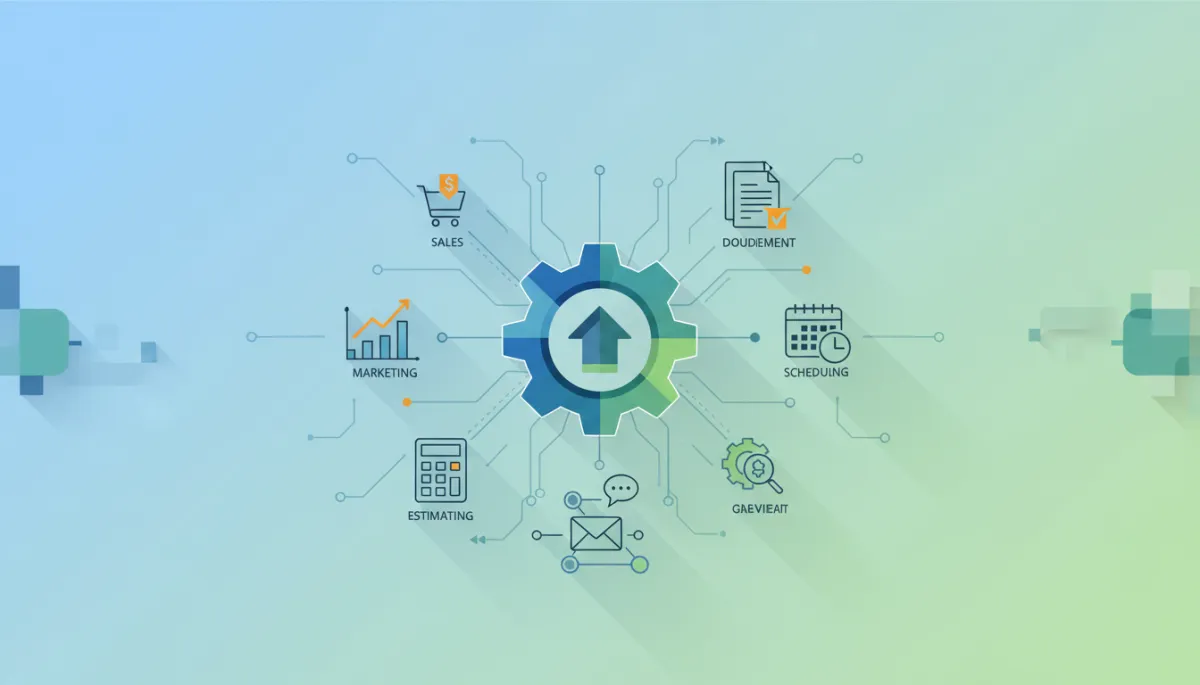
Guide to Business Automation for Small Businesses
Business Automation, Workflow Automation, Small Business Automation
The Complete Guide to Business Automation: How to Save Time, Reduce Costs, and Scale Your Business
Business automation is no longer a luxury reserved for large enterprises. From contractors and manufacturers to service companies and solo entrepreneurs, automation is becoming the backbone of modern, efficient, and scalable businesses. This guide walks you through what business automation is, why it matters, where to start, and how to implement it successfully using practical, real-world examples and modern AI tools.
Suggested SEO Settings
SEO Title: The Complete Guide to Business Automation for Small Businesses in 2026
Meta Description: Learn how business automation helps small businesses, contractors, manufacturers, and service companies save time, reduce costs, and scale. Discover practical workflow automation examples, common mistakes, and how AI-powered tools like SYNTRO Software can streamline marketing, estimating, documents, and operations.
URL Slug: complete-guide-business-automation-small-business
Table of Contents
What Is Business Automation?
Why Every Business Should Automate in 2026 and Beyond
How to Identify Repetitive Tasks Worth Automating
Core Areas to Automate in Your Business
Sales and Lead Management
Marketing and Content Creation
Estimating and Quoting
Document Management and Smart Capture
Customer Service and Support
Scheduling, Dispatching, and Calendars
Operations, Production, and Field Work
Reporting, Dashboards, and Analytics
Workflows and Internal Communication
Common Business Automation Mistakes to Avoid
How to Implement Business Automation Successfully
How to Choose the Right Business Software and Automation Tools
Where AI Fits In: SYNTRO Software as an Automation Ecosystem
Frequently Asked Questions About Business Automation
Key Takeaways and Next Steps
1. What Is Business Automation?
Business automation is the use of technology to perform recurring tasks or processes in your company where manual effort can be replaced. Instead of people repeatedly entering data, sending follow-up emails, copying information between systems, or building the same reports every week, software handles those activities automatically based on rules or AI-driven logic.
Modern business process automation goes well beyond simple “if this, then that” rules. With the rise of AI automation and agentic AI, systems can now interpret context, learn from data, and coordinate multi-step workflows that span sales, operations, finance, and customer service. Analysts from IBM and Deloitte note that leading organizations are moving from basic workflow automation to outcome-driven, autonomous workflows that directly improve cash flow, cost-to-serve, and customer satisfaction.
💡 Definition in one sentence: Business automation uses software and AI to streamline repetitive work, connect systems, and ensure that key processes run consistently with minimal human intervention.
2. Why Every Business Should Automate in 2026 and Beyond
Whether you run a five-person contracting firm or a multi-location manufacturing operation, automation is now a competitive necessity. Research from Google Cloud and IBM shows that AI agents and automation are driving significant gains in productivity, customer experience, and security across industries. For small businesses, the benefits are especially compelling:
Save time: Free your team from data entry, manual scheduling, and repetitive follow-ups so they can focus on higher-value work such as selling, problem-solving, and building relationships.
Reduce costs: Automating routine processes reduces overtime, rework, and error-related costs. Hyperautomation initiatives that combine RPA, AI, and analytics have been shown to cut processing time by 50–70% in many use cases.
Scale without hiring as fast: As you grow, automation allows you to handle more quotes, orders, and projects without adding headcount at the same pace, improving margins and operational efficiency.
Deliver consistent experiences: Automated workflows ensure leads are followed up, customers are updated, and jobs follow the same quality steps every time, regardless of who is on shift.
Make better decisions: Automated reporting and dashboards turn raw data into real-time insights, helping you react faster to changes in demand, costs, and performance.
In short, small business automation is a practical way to build resilience and growth into your company. It is a core part of digital transformation, not a side project for “when you have time.”
3. How to Identify Repetitive Tasks Worth Automating
The most successful automation initiatives start with clarity. Before choosing tools, map where time is actually going in your business. Look for tasks that are:
Repetitive: The same steps are performed over and over (e.g., sending appointment reminders, generating estimates, creating weekly reports).
Rule-based: Decisions are based on clear criteria (e.g., “if a lead does not reply within 2 days, send a follow-up email”).
High-volume: Even small tasks can be worth automating if they happen hundreds of times per month across your team.
Error-prone: Manual data entry, handoffs between teams, or processes that often result in mistakes or rework.
💡 Quick exercise: Ask your team, “What tasks do you dread because they are boring, repetitive, or manual?” That list is usually your best starting point for workflow automation.
For many contractors, manufacturers, and service companies, common candidates include entering leads from web forms into a CRM, building quotes from templates, updating job statuses, sending invoices, and compiling project or production reports. These are exactly the processes that modern productivity software and AI business software can streamline.
4. Core Areas to Automate in Your Business
4.1 Automating Sales and Lead Management
Sales automation ensures that every lead is captured, followed up, and tracked without relying on sticky notes or individual memory. Typical business systems for sales automation include a CRM integrated with your website, email, and phone system.
Automatically create a lead record when someone fills out a form or calls your office.
Trigger a sequence of follow-up emails and tasks for your sales team based on lead behavior.
Route leads to the right salesperson by territory, service line, or deal size.
With AI automation, you can go further — using AI to score leads based on fit and behavior, draft personalized outreach, and summarize call notes. This reduces response times and helps your team focus on the highest-value opportunities.
4.2 Marketing and Content Automation
Marketing is one of the richest areas for workflow automation. From email campaigns to social media and content creation, automation tools can keep your brand visible and consistent without requiring a full-time marketing department.
Schedule email sequences for new leads and customers based on their interests and lifecycle stage.
Automate social media posting and reporting so your team focuses on engagement instead of manual scheduling.
Use AI-powered content tools to generate first drafts of blogs, emails, and landing pages that your team can refine.
SYNTRO Software’s SYNTRO Content Studio, for example, is designed to help businesses automate marketing content creation and distribution. It uses AI to generate on-brand copy, suggest content topics, and coordinate campaigns across channels, while still keeping humans in control of final messaging and strategy.
4.3 Estimating and Quoting
For contractors, manufacturers, and service companies, estimating is often a bottleneck. It requires expertise, but much of the process is repeatable. Business automation can dramatically speed up quoting while improving accuracy:
Standardize pricing, labor rates, and material costs in a central system instead of scattered spreadsheets.
Generate estimates automatically from templates based on job type, scope, and measurements.
Convert approved estimates into work orders or projects with a single click.
The SYNTRO Estimating Engine applies AI to this challenge, helping teams quickly produce consistent, data-driven quotes. By learning from historical jobs and margins, it can recommend pricing ranges and highlight potential risks, supporting both speed and profitability.
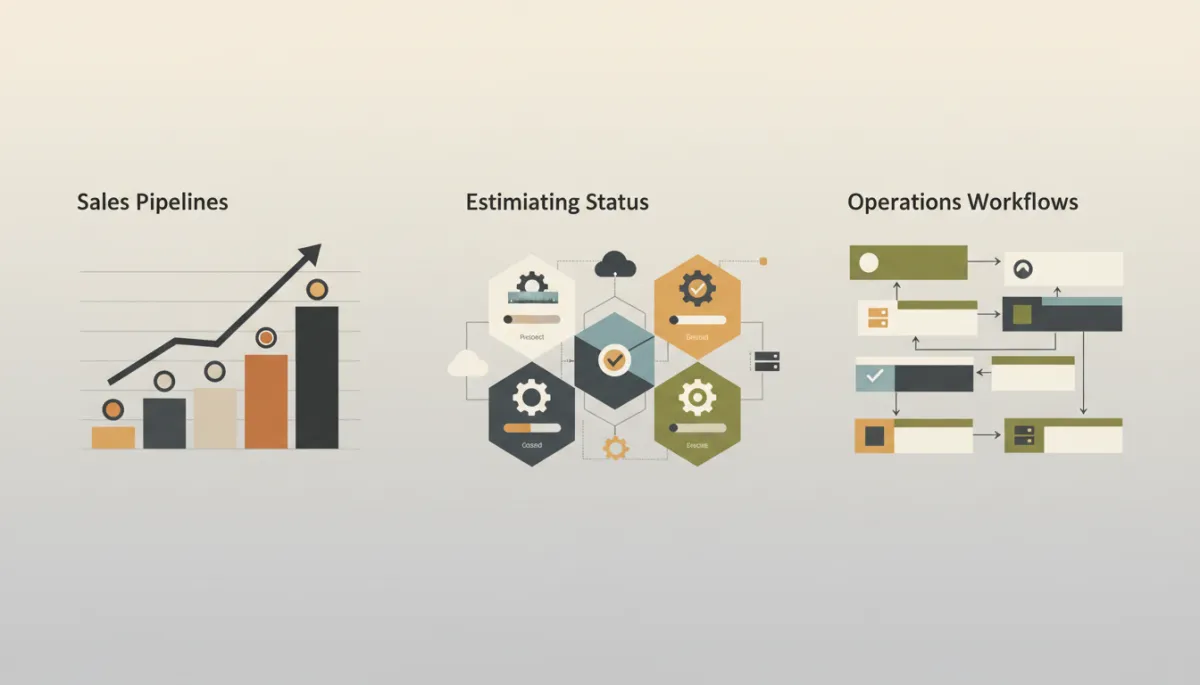
A unified automation dashboard helps leaders monitor sales, jobs, and cash flow in real time.
4.4 Document Management and Smart Capture
Paperwork can quietly erode productivity — invoices, contracts, delivery tickets, job photos, compliance forms, and more. Document management automation standardizes how documents are captured, stored, and routed so information is always where it should be.
Automatically extract key data (customer name, amount, job number) from scanned documents or PDFs using AI-powered OCR.
Route documents to the right folder, project, or approver based on content and rules.
Make documents searchable so your team can find what they need in seconds.
SYNTRO Smart Capture focuses on this area, using AI to intelligently capture and classify documents and tie them directly into your broader business systems — from estimating and operations to accounting and compliance.
4.5 Customer Service and Support
Customers expect fast, accurate responses. AI automation and modern support tools allow small businesses to provide enterprise-level service without a large call center.
Use chatbots and AI agents to answer common questions 24/7 and route complex issues to humans.
Automatically create support tickets from emails, web forms, or phone calls and assign them based on priority and skill.
Trigger follow-up surveys or check-ins after jobs are completed to gather feedback and reviews.
4.6 Scheduling, Dispatching, and Calendars
For service and field-based businesses, scheduling is where operations either run smoothly or fall apart. Scheduling automation can coordinate people, equipment, and locations with fewer back-and-forth messages and fewer mistakes.
Let customers book appointments online based on real-time availability synced across calendars and crews.
Automatically send confirmations and reminders by text or email to reduce no-shows and last-minute cancellations.
Optimize routes and job sequencing to minimize travel time and downtime.
4.7 Operations, Production, and Field Work
Operational efficiency is where automation delivers some of its highest returns. In manufacturing, construction, and service delivery, business automation can orchestrate work from intake to completion:
Automatically create jobs or work orders when a quote is accepted or a contract is signed.
Trigger purchasing workflows when inventory levels drop below thresholds or when specific jobs are scheduled.
Update job status automatically as technicians or operators complete tasks in the field or on the shop floor.
The broader SYNTRO platform is built as an AI-powered operating system for managing these end-to-end operations — unifying CRM, projects, scheduling, communication, and financials into one intelligent environment that supports automation-first workflows.
4.8 Reporting, Dashboards, and Analytics
Many leaders still spend hours each week exporting data into spreadsheets and building reports manually. Reporting automation ensures that decision-ready information is always available, without manual effort:
Automatically refresh dashboards with live data on sales, backlog, utilization, and cash flow.
Schedule weekly or monthly summary reports to be emailed to managers and owners.
Use AI to highlight anomalies, trends, or risks in your data so you can act before problems grow.
4.9 Workflows and Internal Communication
Many breakdowns in small businesses come from miscommunication: a job that is sold but not scheduled, a change order that never reaches accounting, or a safety issue that is not escalated. Workflow automation and integrated communication tools help bridge these gaps:
Automatically notify relevant teams when a project moves from one stage to the next (sales → operations → billing).
Use standardized checklists and approvals so nothing critical is missed before work begins or invoices are sent.
Centralize conversations and decisions around jobs or customers instead of scattering them across email and personal messaging apps.
📌 Key idea: The more your communication is tied directly to your workflows and data, the fewer dropped balls and “I thought someone else handled that” moments you will have.
5. Common Business Automation Mistakes to Avoid
While business automation can transform your operations, it is not risk-free. Gartner warns that a significant share of agentic AI projects may be cancelled due to unclear value or weak governance. Small and mid-sized businesses can sidestep these issues by avoiding common mistakes:
Automating broken processes: If your underlying process is flawed, automating it will only help you make mistakes faster. Clarify and simplify your workflows first, then automate.
Buying too many disconnected tools: TechRadar notes a growing problem of software sprawl, where teams juggle dozens of apps that do not talk to each other. Focus on platforms that integrate or unify workflows rather than stacking unrelated tools.
Ignoring change management: Automation changes how people work. Without training and clear communication, staff may resist or bypass new systems, undermining the benefits.
Skipping governance and security: As Gartner highlights, AI-related legal and compliance risks are rising. Ensure you have clear policies on data access, approvals, and audit trails — particularly in an AI-powered environment.
Trying to automate everything at once: Hyperautomation is powerful, but starting with too many initiatives can overwhelm your team. Begin with a few high-impact workflows and expand from there.
6. How to Implement Business Automation Successfully
Step 1: Clarify Your Outcomes
Start with business results, not technology. Decide what you want automation to achieve in the next 6–12 months. Examples include:
Reduce quote turnaround time from 5 days to 24 hours.
Cut manual data entry into accounting by 80%.
Improve on-time project completion by 15%.
Step 2: Map and Prioritize Workflows
Document the key steps for each target process (for example, “Lead to Quote” or “Job Completion to Invoice”). Identify where time is lost, where errors occur, and where information is duplicated. Then prioritize:
High value + high feasibility: Start here for quick wins that build momentum.
High value + complex: Plan as phase two projects once your team has more experience.
Step 3: Choose the Right Automation Tools and Platforms
Select software that can support your priority workflows end-to-end. For some businesses, that might mean integrating specialized tools (CRM, marketing automation, scheduling, accounting) using platforms like Zapier or Power Automate. For others, an integrated AI business software platform like SYNTRO Software can centralize business automation in one place.
Step 4: Start Small, Then Iterate
Implement one or two workflows first — for example, automating lead capture and follow-up, or automating document capture and routing. Measure the impact, gather feedback from users, and refine the process. Once it is stable, move on to the next workflow. This iterative approach reduces risk and increases adoption.
Step 5: Train, Communicate, and Govern
Successful automation is as much about people as it is about technology. Provide clear training on new workflows, explain the “why” behind changes, and create a feedback loop so employees can suggest improvements. Establish simple governance: who owns each process, who can change rules, and how exceptions are handled.
7. How to Choose the Right Business Software and Automation Tools
The market for automation tools is crowded, with options ranging from simple connectors to full enterprise suites. To choose wisely, consider the following criteria:
Fit to your workflows: Does the tool support your actual processes (e.g., estimating, field service, manufacturing) rather than forcing you into generic templates?
Integration and unification: Can it connect to or replace existing systems without creating software sprawl? Platforms like SYNTRO aim to unify CRM, operations, and communication to minimize fragmentation.
Ease of use: Are non-technical team members able to work with it daily? Low-code and no-code capabilities are increasingly important so frontline teams can adapt workflows without heavy IT involvement.
Scalability and security: Will the platform support your growth, additional locations, and more complex workflows while maintaining enterprise-grade security and compliance?
AI capabilities: Does it incorporate AI in a practical, explainable way — for example, suggesting actions, summarizing information, and optimizing workflows — rather than just adding buzzwords?
💡 Tip: Use free trials or pilot projects to test tools on real workflows before committing. Focus on how they improve speed, accuracy, and visibility, not just on feature lists.
8. Where AI Fits In: SYNTRO Software as an Automation Ecosystem
AI is reshaping business automation, moving it from simple rule-based tasks to intelligent, outcome-focused workflows. Gartner forecasts that spending on AI agents will more than double between 2025 and 2026, reflecting how central AI is becoming to modern operations. For small and mid-sized businesses, the key is accessing this power without enterprise-level complexity.
SYNTRO Software is built as an AI-powered operating system for business management — designed to unify your business systems and automate work across departments. Rather than stitching together dozens of disconnected apps, SYNTRO provides a cohesive ecosystem:
SYNTRO Content Studio: Automates marketing content planning, creation, and distribution using AI, while keeping your brand voice consistent across campaigns.
SYNTRO Estimating Engine: Streamlines estimating and quoting for contractors, manufacturers, and service businesses, learning from historical performance to support better pricing decisions.
SYNTRO Smart Capture: Uses AI to capture, classify, and route documents, linking them directly to jobs, customers, and financial records for seamless document management automation.
The broader SYNTRO platform: Unifies CRM, operations, accounting, and communications into a single intelligent system that supports automation-first workflows and enterprise-grade security.
The goal is not to replace people, but to give your team an AI-powered backbone that handles repetitive tasks, coordinates work, and surfaces insights — so they can focus on strategy, craftsmanship, and service quality.
9. Frequently Asked Questions About Business Automation
Is business automation only for large enterprises?
No. In fact, many of today’s small business automation tools are specifically designed for smaller teams with limited technical resources. Low-code and AI-powered platforms allow contractors, manufacturers, and service companies to automate without hiring large IT departments.
Will automation replace my staff?
Automation typically replaces tasks, not people. It removes repetitive, low-value work so your team can focus on higher-value activities — building relationships, solving complex problems, and delivering better service. Most businesses use business automation to support growth without increasing headcount at the same rate, not to reduce their workforce dramatically.
How long does it take to see results?
Many businesses see meaningful improvements within 60–90 days on their first workflows, such as faster response times, fewer errors, or shorter quote cycles. Larger digital transformation efforts that span multiple departments may take longer, but early wins typically appear quickly when you start with focused, high-impact processes.
How do I avoid getting overwhelmed by too many tools?
Start with your workflows, not with tools. Choose platforms that can support multiple processes and integrate well with your existing systems. Consider unified ecosystems like SYNTRO Software that centralize workflow automation across marketing, estimating, documents, operations, and communication, instead of building a patchwork of disconnected apps.
10. Key Takeaways and Next Steps
Business automation is now a foundation of competitive, resilient companies — from small contractors to complex manufacturers and service organizations. By thoughtfully applying workflow automation, AI automation, and integrated productivity software, you can:
Save significant time and reduce manual errors across your business.
Improve operational efficiency and scale without hiring as quickly.
Deliver more consistent, higher-quality experiences to your customers.
Gain real-time visibility into performance through automated reporting and dashboards.
📌 Next steps: Identify two or three repetitive, high-impact processes in your business. Map the steps, define the outcome you want, and explore how automation — whether through your existing tools or an integrated platform like SYNTRO Software — can streamline those workflows.
Internal Linking Opportunities
Link to a detailed article on “How to Map and Optimize Business Processes” from the section on identifying repetitive tasks.
Link to a case study on “How Automation Transformed a Contractor’s Estimating and Operations” from the estimating and operations sections.
Link to a feature page for SYNTRO Content Studio, SYNTRO Estimating Engine, and SYNTRO Smart Capture from the respective subsections.
Call to Action: Explore SYNTRO Software
If you are ready to move from scattered tools to a unified, AI-powered approach to business automation, SYNTRO Software is built for you. As an enterprise-grade AI operating system tailored to contractors, manufacturers, service businesses, and professional organizations, SYNTRO helps you automate marketing, estimating, document management, operations, reporting, workflows, and communication in one intelligent platform.
Start your free trial today or schedule a personalized demonstration to see how SYNTRO Software can help your business grow faster while doing less manual work — with automation, AI, and integrated business systems working together behind the scenes.


